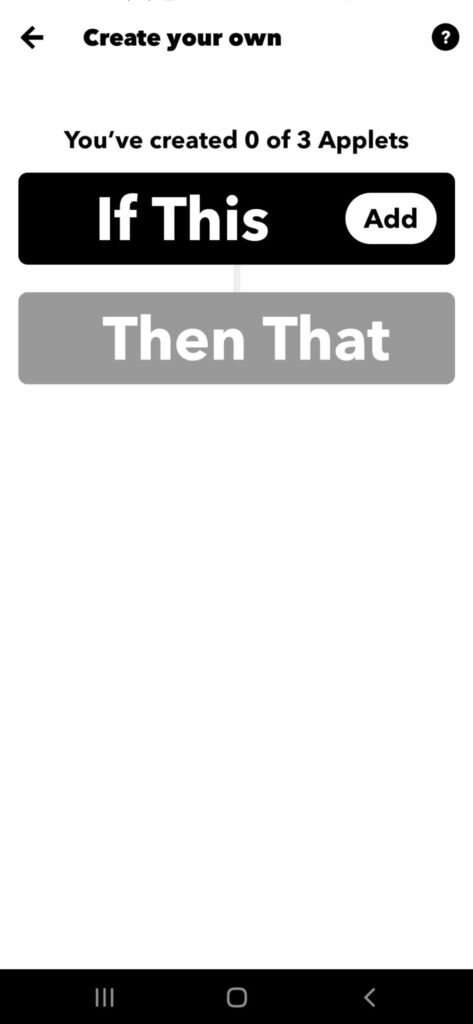
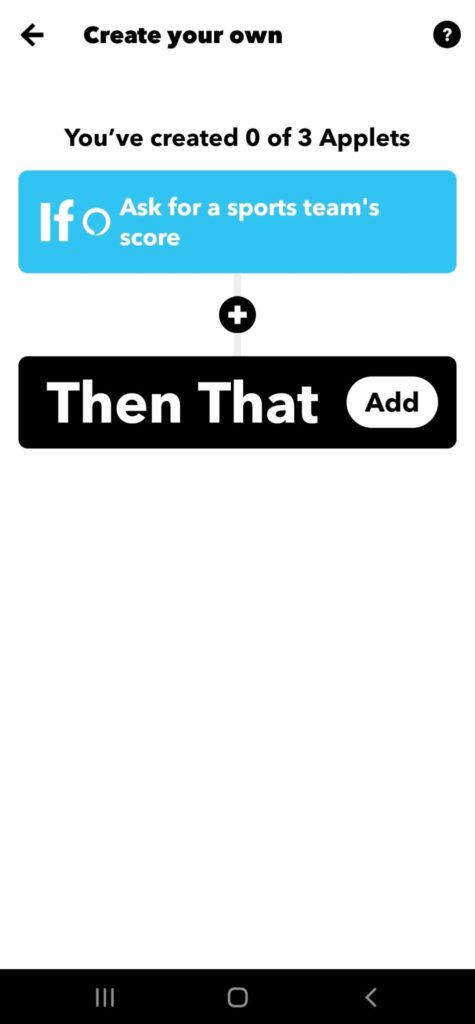
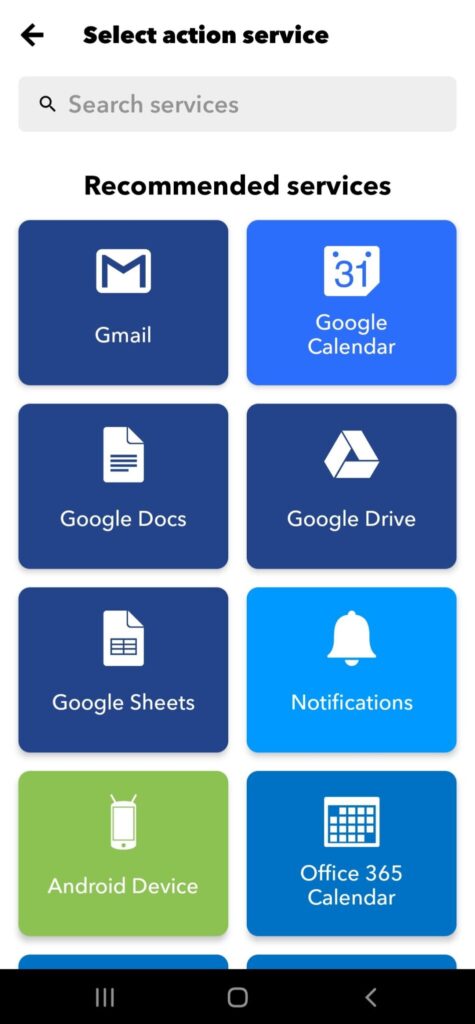
IFTTT stands for “If This Then That.” Basically, if certain conditions are met, then something else will happen. The “if this” part is called a trigger, and the “then that” part is called an action.
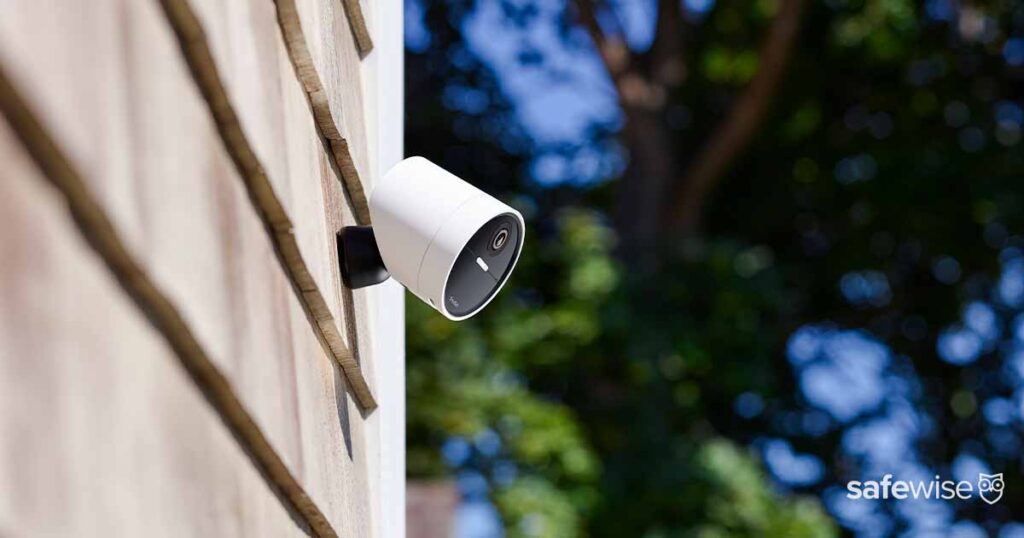
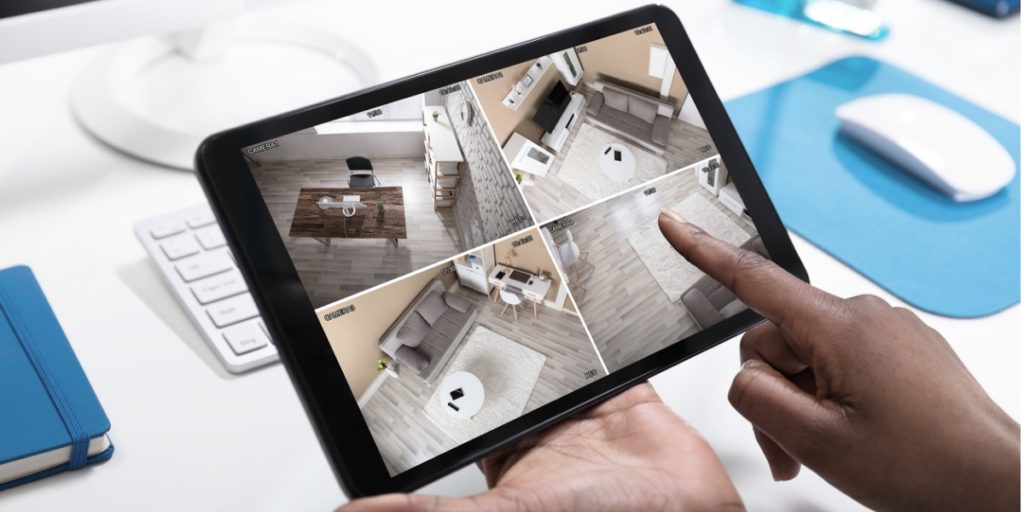
Here’s an example. Say you have a security camera and some smart lights. You set up an IFTTT task so that when your security camera detects movement it automatically turns on your home’s smart lights. Motion is the “if this,” or trigger, and turning on the lights is the “then that,” or action.
Now that you know what If This Then That means, let’s jump into why it’s useful. Typically, getting two smart home devices or services to work together is tricky if they are from different brands. That’s where IFTTT comes in handy.
Want a Philips Hue light to turn on when your Ring video doorbell rings? They use different apps, so they may not be able to “talk” to each other. IFTTT introduces the devices to each other to complete the task.
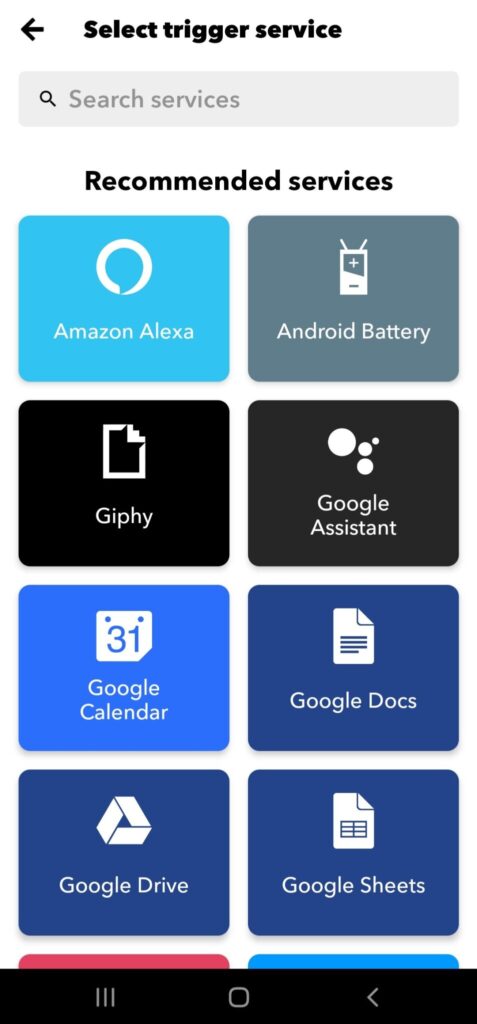
While the devices don’t need to be compatible with each other for IFTTT to control and automate tasks all around your home, the devices do need to be IFTTT compatible. Chances are, that won’t be a problem. More than 700 devices and services work with IFTTT.
Sounds cool, right? Before you jump into using IFTTT, there are a few components that you need to know about: applets and services.









 4 min read