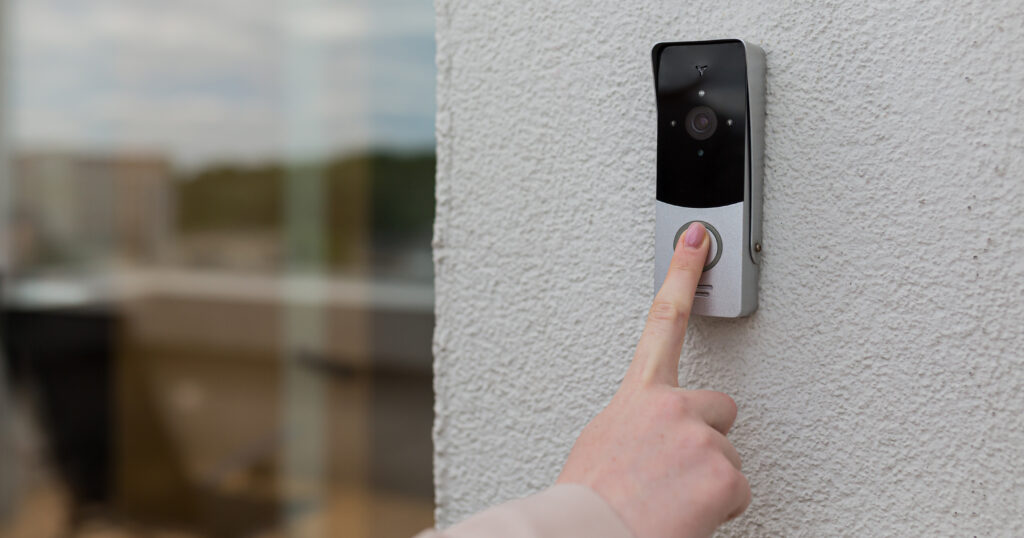

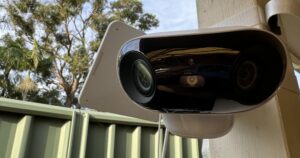

Straight out of the box, the Arlo Ultra 2 looks and feels like a boujie camera. Its sleek, monochrome design follows in the footsteps of its previous iterations and keeps true to the shiny luxe design we associate with Arlo cameras. It’s not just a pretty face either. It’s weatherproof, so it’s built to withstand harsh Aussie winters, scorching summers, and everything in between.
The Arlo Ultra 2 is without a doubt the quickest security camera I’ve ever assembled. As a tech writer, I’ve set up my fair share of security cameras. There’s no thinking or guesswork in setting up the Ultra 2. Just take it out of the box, follow the instructions, download the app, and connect it to your Wi-Fi.
Although the Arlo Ultra 2 is weatherproof, you may have an issue or two setting it up outside. Unless you have an approved or preinstalled mount you can stick the camera, its outdoor setup isn’t renter-friendly. If you don’t have a conspicuous ledge to place it on or you don’t own your home, you’ll need to get creative. We tried using 3M tape to stick it to the patio door, but the camera was too heavy so it didn’t hold. It does come with screws though, so if you’ve got the green light from your landlord, you can mount it where you please.
According to Arlo, you can expect the battery to last about six months between charges. We found that to be pretty ambitious. With our current settings, placement in a high-traffic area, and ensuring it’s off when not in use, we found it to last about a month. While it's easy enough to pop it on the charger for a few hours, we do wish the battery lasted longer, especially at such a high price point.