

iOS 17.3 protects your passwords and account in the event that someone steals your iPhone.
Every iPhone User Should Turn On This New iOS Feature Right Now
Why you can trust SafeWise
products considered
250+
research hours in 25+ in-home tests
10k+
years of combined experience
176+
homes and people protected
10M+
For over 13 years, SafeWise experts have conducted independent research and testing to write unbiased, human reviews (not robots). Learn more.


 1 min read
iOS 17.3—the latest version of Apple's iPhone operating system—adds new functionality to protect data on stolen devices. Named Stolen Device Protection, the features protect against the situation where someone has stolen both your device and passcode.
When Stolen Device Protection is switched on, certain actions—such as viewing passwords or using payment methods stored in Safari—now require Face ID or Touch ID, without allowing for passcode fallback. This means a thief needs access to your face or fingerprint if they're trying to access sensitive information, and should prevent them from using a stolen iPhone as a way to get into other accounts.
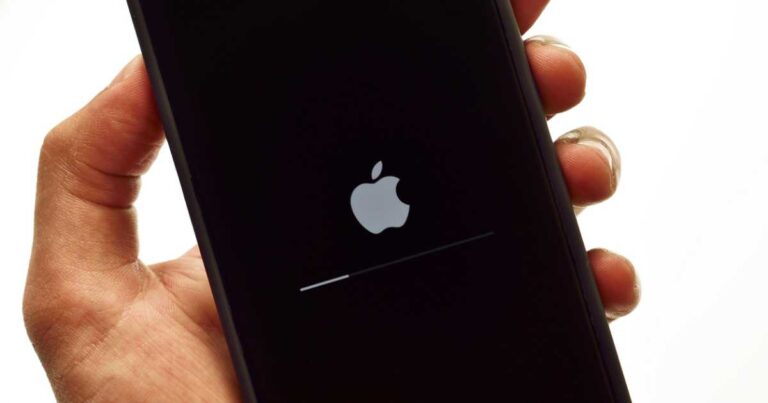
Image: stockforliving
There's also a security delay on actions like changing your Apple ID password or removing an Apple ID from the device. In addition to an initial Face ID or Touch ID scan, you'll need to wait an hour and then authenticate again.
These additional steps aren't required if you're in a familiar location—any place where you regularly use your iPhone.
How to get Stolen Device Protection on your iPhone
You'll need to update your iPhone to iOS 17.3 to turn on Stolen Device Protection.
- Open Settings.
- Tap General, and then Software Update.
- After the update is complete, turn on "Stolen Device Protection" in the Face ID & Passcode section.
Stolen Device Protection isn't on by default, so it's crucial to go in and manually turn it on.
Other iOS 17.3 features
Collaborative playlist in Apple Music
iOS 17.3 also adds collaborative playlists to Apple Music, which allows multiple users to build playlists together. Open a playlist in the Apple Music app, and tap the person icon. This will give you a link you can send to friends and family, which will invite them to access the playlist.
More improvements
- Unity wallpaper for Lock Screen, to honor Black History Month.
- AirPlay support to stream content to TVs in certain hotels.
- More transparent access to AppleCare and warranty information in Settings.
- Optimizations to crash detection for all iPhone 14 and 15 models.
iOS 17.3 is available for the iPhone XS, iPhone XR, and newer.
Related articles on SafeWise
This story first appeared on WhistleOut Australia.

Recent Articles

The Best Fall Detection Devices
Find the best medical alert systems with fall detection. Compare equipment, price, accuracy, customer reviews,...
Jury Finds Meta and YouTube Negligent in Landmark Social Media Addiction Case
Meta and YouTube were found negligent in a landmark addiction case. Here’s why it matters...

How Safe Are the Fastest-Growing U.S. Cities?
Does a surge in population lead to a surge in crime? Find out in our...
Package Theft and Cybercrime Are Now the Most Common Crimes in America
State of Safety data shows Americans are more likely to experience package theft and cybercrime...


