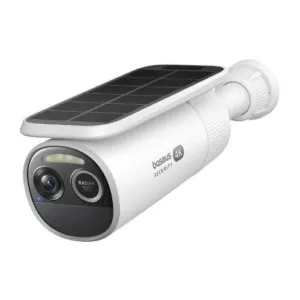
Baseus Security relies exclusively on local video storage, a rare exception, as other local-storage security camera brands increasingly push cloud storage subscriptions. There are two major benefits to local storage: price and privacy.
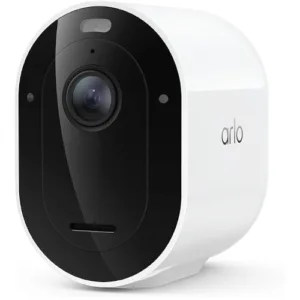
Even if you buy the largest microSD card the Baseus S2 supports (512GB), you're looking at roughly $90 to $150 in lifetime storage costs per camera. In contrast, Arlo's cheapest cloud storage plan is roughly $96 per year for a single camera.
Local video storage is also great for keeping your surveillance data off corporate servers. (Baseus Security still uses servers for remote access and mobile app controls, but not camera streams.)
The trade-off with local storage is greater vulnerability to theft—especially on cameras that use microSD cards as opposed to base stations or network video recorders (NVRs). If an intruder steals or destroys your camera, the footage may go with it since there's no cloud backup. Fortunately, you can deter theft by installing the camera in a location that requires a ladder to access.
Both storage options have benefits and drawbacks—one isn't inherently better than the other—so choose the best fit for your needs.
The Baseus Security S2—and other Baseus cameras—support the Amazon Alexa and Google Home smart home platforms. While you can view live video feeds and use two-way audio through these integrations, the bulk of camera controls and settings are exclusive to the Baseus Security app. Still, I always appreciate the option to preview camera feeds in my Google Home app.






 7 min read
 Edited By











 Your Privacy Choices
