Yes and no. I had major problems with two features during my tests: SOS and school mode. These issues were resolved, but it wasn't easy.
I also wasn't able to add my partner to the app because he doesn't use Gmail.
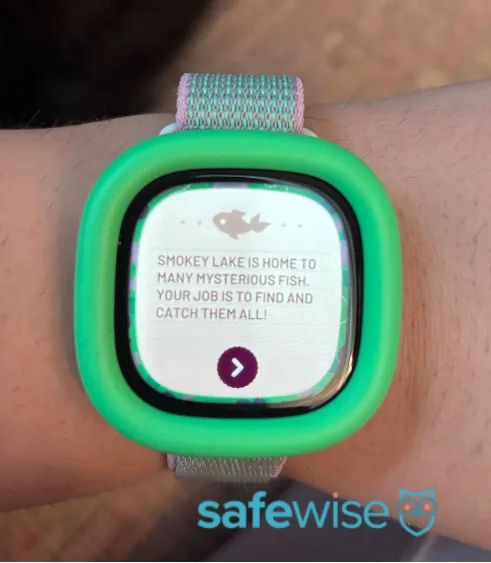
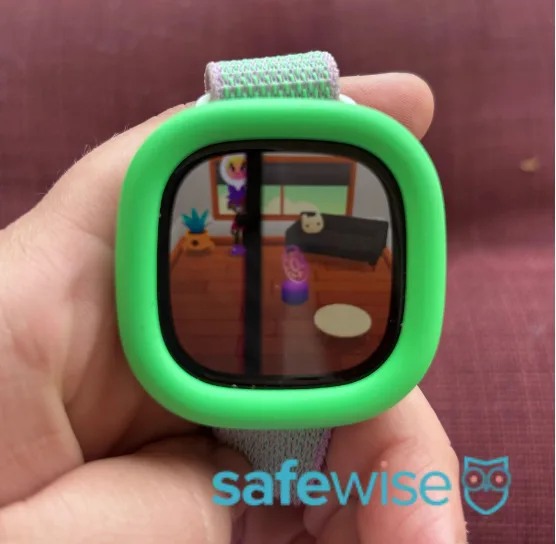
On the plus side, GPS tracking was accurate, call audio sounded clear, and the games worked well.
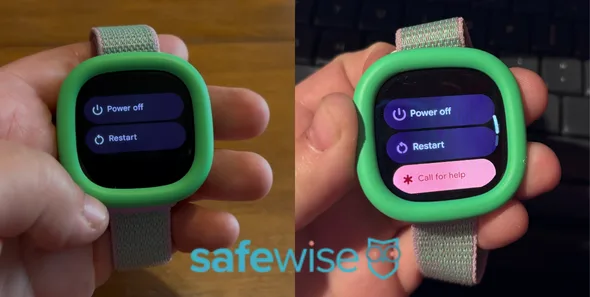
By pressing and holding the top (green) side button, kids can pull up a menu that allows them to power off the watch, restart the watch, or call for help. But "call for help" wouldn't appear for me.
I did some troubleshooting on my own but couldn't figure out the problem. A software update might've fixed the issue, but I couldn't get the software update to work either. It would reach 100% and then say the update failed.
So, I contacted Google customer service. We tried restarting the watch, resetting its WiFi connection, and even doing a full factory reset. Nothing fixed the watch's SOS error or the software update issue.
Then suddenly, it worked. I think the software update finally went through overnight about one week after I began testing. One morning, I noticed a new Wallet option in the watch's menu. Realizing a software update must've happened, I tried the SOS button, and "call for help" finally appeared.
Here's how SOS works when a child selects "call for help":
- The watch vibrates and starts a five-second countdown.
- Kids can cancel before the call goes through.
- The watch displays who is being called.
- The first emergency contact's phone gets a call. It's clear the call is coming from the child's Fitbit Ace LTE, but it's not clear it's an emergency.
- If the first emergency contact doesn't answer the phone, the watch rings the next emergency contact.
Like any good kid's smartwatch, the Fitbit Ace LTE includes a school mode so kids aren't distracted by calls, messages, or games during class.
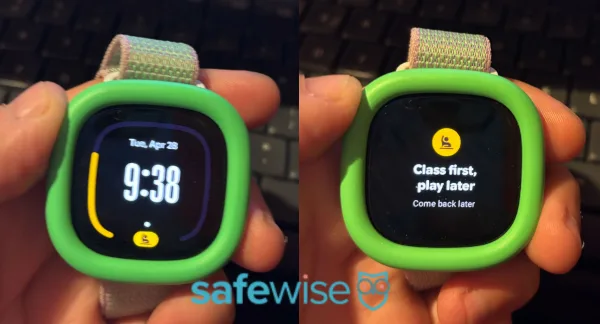
At first, school mode worked perfectly. I toggled it on in the app, and the watch quickly blocked most interactions with a message that said something along the lines of, "Learn now, play later."
I even liked how parents could allow kids access to the watch during their lunch period, and that the app reminds parents not to call the watch because it's in school mode.
While preparing this review, I realized I never took photos or videos of school time in action. I wanted to document exactly what kids could access (like messaging a parent) and what they couldn't (like games). So, I turned school mode on again. But this time, it didn't work.
From the parent app, everything looked as it should. School mode was toggled on, calling was disabled, and orange text across the bottom of our message thread informed me that the watch's notifications were silenced.
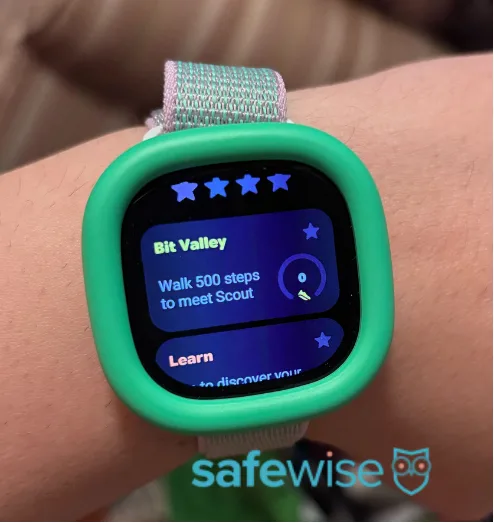
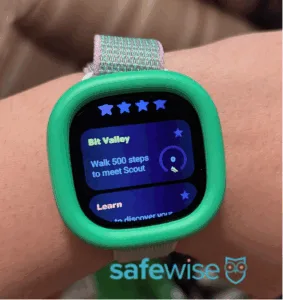
But from the watch itself, I was still able to use every feature like normal. I could play a game, send a message, or visit Bit Valley. At first, I thought there was a communication lag and that the watch would update in a couple of minutes. But the watch never went into school mode for the rest of the day.
I attempted to force a connection between the watch and the parent app by checking its location and sending a message from the watch to the phone. Nothing spurred school mode into effect.
(This glitch happened before the software update finally went through. The day after the software update, school mode worked as expected.)
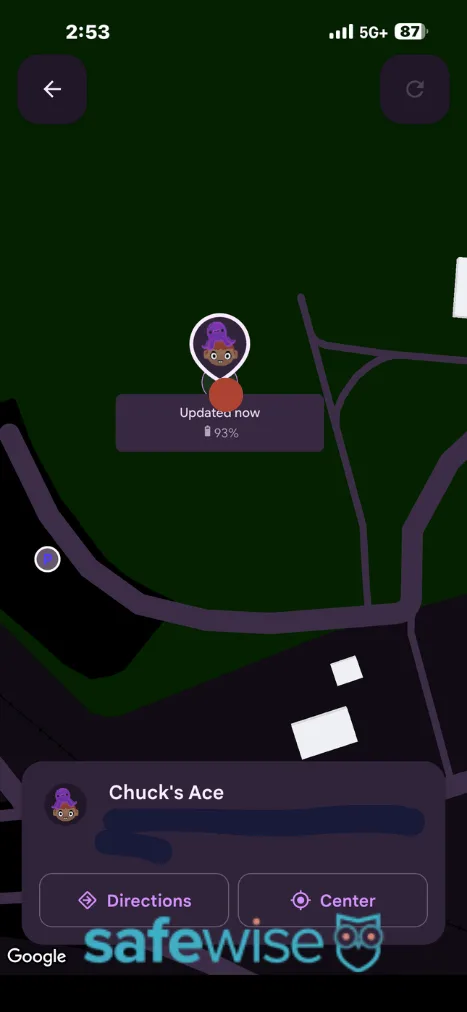
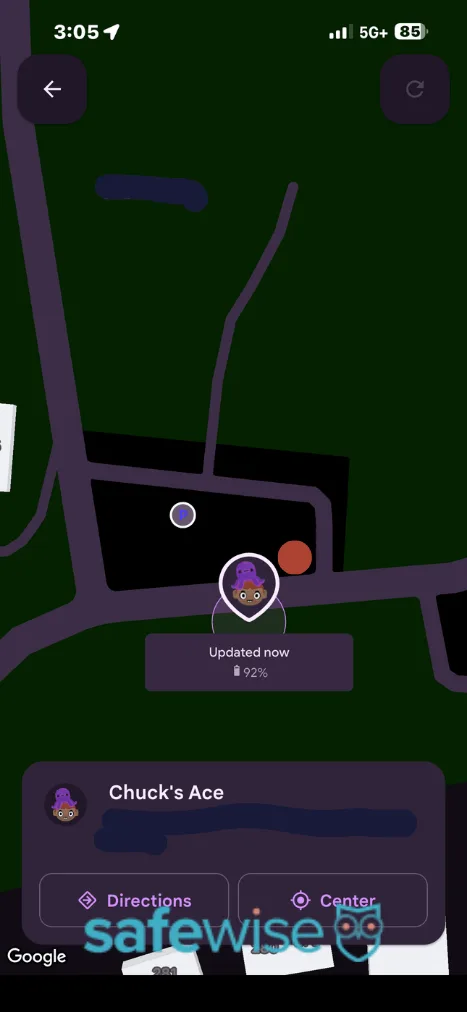
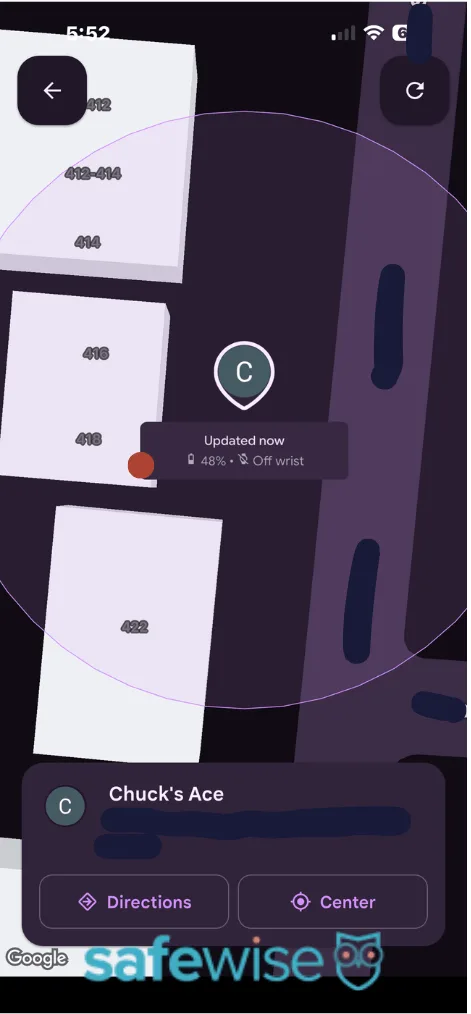
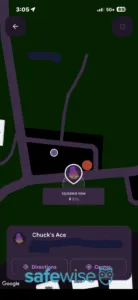
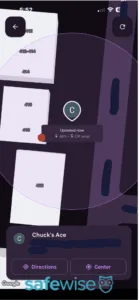
Here's some good news — the Fitbit Ace LTE offers accurate GPS tracking. It marked the map within about 15 feet of my exact location, which is about as good as it gets. If you're looking for a kids smartwatch to tell you where your child is in a crowded location, this could do the trick. The parent app will even pull up directions to your child's location.
Geofencing isn't available in the Fitbit Ace LTE, which isn't much of a loss in my book. In my experience, geofencing technology is usually imprecise and prone to false alarms. There are only a few devices that do it well, namely the Bark Watch, Gabb Watch 3e, and Verizon Gizmo Watch 3.
But you also won't get location history, which I know a lot of parents look for. And while there's technically no live tracking feature (you won't see the marker move on the map in real-time), you're able to refresh your child's location as often as you like.
Two parents can be added to a Fitbit Ace LTE account. They share full permissions on the app. This isn't a common feature in kids smartwatches, as most only allow one parent to have full access to account settings.
But you're limited to just two parents, which may not work well for blended families.
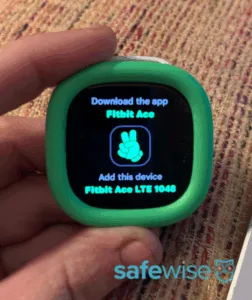
The other roadblock is that both parents (and all contacts for that matter) have to use a Google account.
I didn't realize this when I tried to add my partner as a parent. He's a long-time Hotmail user with no interest in switching to Gmail. The Fitbit Ace LTE app allowed me to send a parent contact invitation using his hotmail.com address, but it never arrived in his inbox.
I'm sure this is a rare situation these days, but bear in mind that if you aren't a diehard Google family, this watch may not work for you.






 11 min read









 Your Privacy Choices
