Summer Break Safety: How to Monitor Your Home from the Beach

Why you can trust SafeWise
products considered
250+
research hours in 25+ in-home tests
10k+
years of combined experience
176+
homes and people protected
10M+

For over 13 years, SafeWise experts have conducted independent research and testing to write unbiased, human reviews (not robots). Learn more.

SafeWise Team
Jun 17, 2026
Icon Time To Read4 min read
Icon CheckEdited ByKit Smith

Bio (leave blank - RE will complete)

You finally made it to the beach. Your phone is on silent, your feet are in the sand, and your biggest decision should be whether to order another iced drink.

Then the thought hits again: Did I lock the back door? You’ve been thinking about it on and off since the flight.

It’s hard to unplug when your house is sitting empty for days or even weeks. Luckily, figuring out how to monitor your home while on vacation doesn’t require an expensive security upgrade or a complicated smart home setup.

A few practical habits, combined with simple tech, can help you stay connected to your home while still enjoying your time away.

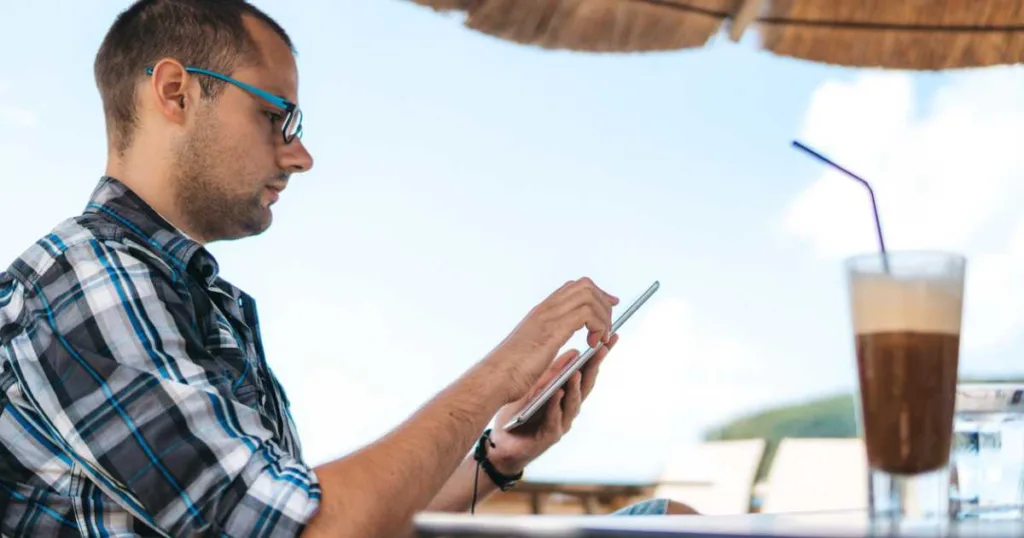
Young caucasian man checking in on his home on tablet and drinking ice coffee at seaside.

Image: urbazon, iStock

How can I monitor my home while on vacation?

The easiest way to monitor your home while traveling is to combine remote check-ins with small signs of everyday activity.

That can include the following:

  • Checking security camera or doorbell notifications
  • Using smart lights or timers
  • Having someone collect mail or packages
  • Getting alerts if doors open or motion is detected
  • Keeping emergency contacts nearby

The goal isn’t to watch your house 24/7. It’s to stay aware of anything unusual while making your home a less attractive target — without turning your vacation into a full-time surveillance job.

Easy ways to keep tabs on your home from anywhere

Use apps or devices to check your home remotely

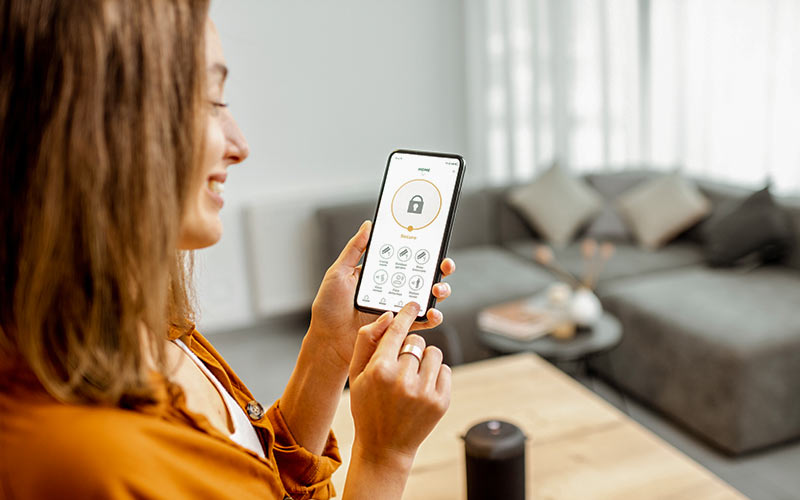
A video doorbell or a basic indoor camera gives you a live window into what’s happening at your front door or inside your home. Most connect to a smartphone app and send you alerts when they detect motion. Instead of wondering whether that noise was a package delivery, a neighbor, or something more serious, you can quickly check the live feed yourself. And if you have a smart lock, you can even unlock the door remotely for a pet sitter, house cleaner, or trusted friend. 

Video doorbells and indoor cameras help you do the following:

  • See live video feeds
  • Get alerts when someone approaches your door
  • Check whether doors are locked
  • Talk to delivery drivers through two-way audio

Be smart when using these smart tools. The Federal Trade Commission (FTC) recommends using strong passwords, enabling security updates, and securing remote access to camera feeds. Test everything–software updates, notifications, batteries, connectivity–before you leave.

You don’t want to troubleshoot camera settings while sitting in an airport terminal, so prep your home security devices before your trip.

Set lights to mimic normal activity

A consistently dark house is a quiet signal that nobody's home. Light timers and smart lights controlled through an app are simple, effective solutions for creating the appearance of an inhabited house.

Set a living room lamp to come on at dusk and turn off around your usual bedtime. Some smart home apps even let you randomize schedules so lighting patterns look more natural.

Focus on high-visibility areas like:

Again, test everything before leaving.

Pause deliveries or ask someone to help

Piled-up packages and overflowing mailboxes can quickly advertise that a house is empty.

The United States Postal Service Hold Mail service lets travelers temporarily pause mail delivery during vacations. For packages from other carriers, consider routing deliveries to a pickup location, or ask a neighbor to grab anything that arrives.

If neighbors are willing to help, consider asking them to pitch in:

  • Bring trash bins in after collection day
  • Park in your driveway occasionally
  • Check for water leaks or storm damage after bad weather

Even occasional activity around your property can make a difference.

Low-tech habits that make a big difference

Keep travel updates off social media until later

Posting beach photos in real time is an announcement your house is empty.

Skip the live vacation updates and save your photo dump for the flight home or after the trip ends. This is one of the easiest summer travel safety tips because it takes almost no extra effort.

You can still share photos with close family and friends through private messages or small group chats while delaying public posts.

Keep emergency contacts handy

Technology helps, but people still matter.

Save contact information for a trusted neighbor, a nearby friend or relative, your landlord or property manager if you rent, and the local non-emergency police contact info. If something does go wrong, you want to have someone on the ground who can help.

Is it safe to leave your house empty for a week?

Yes, most homes can safely sit empty for a week, especially with basic precautions in place.

Homes that appear occupied and have visible security measures are generally less attractive to burglars, who often look for easy access and low-risk opportunities. The steps above (lighting, mail, a trusted contact, remote monitoring, locked up tight) handle the biggest risk factors.

Other small issues that might go unnoticed are water leaks, power outages, or unlocked entry points.

Do a quick pre-trip walkthrough

Before leaving on your trip, budget 5 to 15 minutes to do one final sweep of your house. Walk through every room in the house and check the following:

  • Check the stove and unplug unnecessary appliances
  • Confirm cameras, alarms, and alerts are engaged and working properly
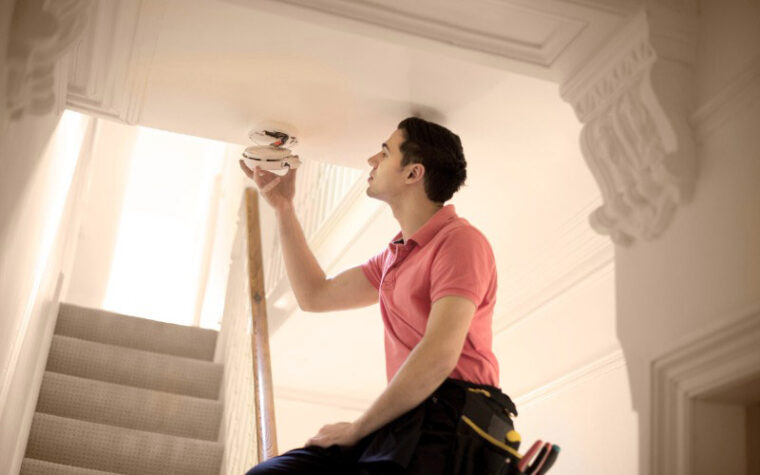
  • Test smoke and water leak detectors
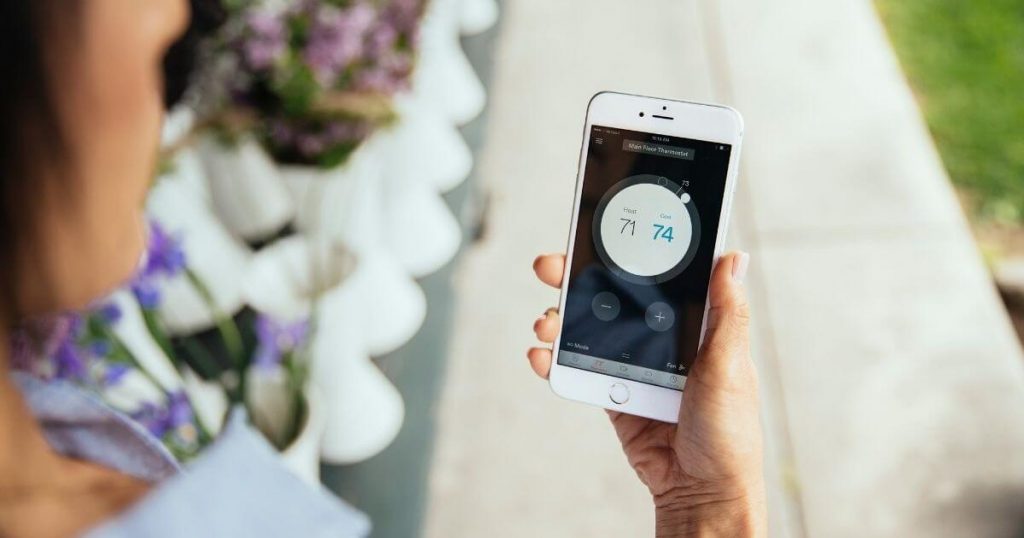
  • Adjust your thermostat
  • Lock all windows and doors
  • Check all faucets and hoses
  • Check outdoor lighting and garage doors

When you’re rushing to beat traffic, it’s easy to skip safety checks, but this quick checklist can help prevent the classic mid-vacation panic spiral — so try to build a few extra minutes into your departure time.

If you rent, share your travel dates with your landlord or property manager in case emergency access is needed. For longer trips, have someone check in physically at least once while you're gone.

What is the best way to check on your house remotely?

Focus on meaningful alerts instead of constant updates. You don’t need to watch every motion notification or refresh your camera feed every hour.

  • Prioritize door and entry alerts
  • Use motion zones to reduce false notifications
  • Check camera feeds once or twice daily
  • Let trusted contacts handle minor issues locally

This approach keeps you informed without making your vacation feel stressful, which brings us to the next point.

How to stay aware without ruining your vacation

One of the downsides of smart home technology is that it can become too easy to constantly check. A raccoon crossing the driveway at 2 a.m. shouldn’t derail your beach dinner.

Set boundaries for yourself:

  • Turn off nonessential home-security notifications
  • Focus on security alerts tied to doors, locks, or alarms
  • Unplug for stretches of time and enjoy your trip

Smart home safety tips work best when they support your vacation, not dominate it.

Practical takeaways

Travelers who want to check home remotely don’t need a full-rig security system. Your vacation home monitoring plan doesn't need a sophisticated setup or constant vigilance.

A doorbell camera, a light timer, and one reliable contact back home will cover most of what matters. Add a solid pre-trip walkthrough and some social media restraint, and you have a genuinely effective setup.

Get the prep done before you leave, and enjoy your week at the beach without second-guessing every little thing back home.

SafeWise Team
Written by
The SafeWise Team is here to help you keep your home and family safe. Whether you’re looking to pick a security system or identify and remove common risks in your home, we’re here to help you find the best products and well-researched answers. At SafeWise we combine our years of experience in home safety and security with user reviews and feedback to help take the guesswork out of living safe.

Recent Articles

dangerous apps for kids
Dangerous Apps for Kids: What Parents Need to Know in 2026
Dangerous apps for kids include ones you’ve heard of (TikTok, Instagram) and some new arrivals....
Map showing location pins for the city in each state with the highest burglary rate.
The Most Burglarized City in Every State
We found the most-burglarized city in every state — it looks like burglars are equal...
Ring Alarm security system unboxed.
Ring Security vs. Frontpoint
Frontpoint is our pick in this DIY security system matchup. Its starter package is more...
Technician installing a smoke alarm
Best Smoke Detectors of 2026
We reviewed the top fire and smoke alarms for your home in 2026. Protect your...